Pigeon Laser Engrave File: Premium Design for Your Projects
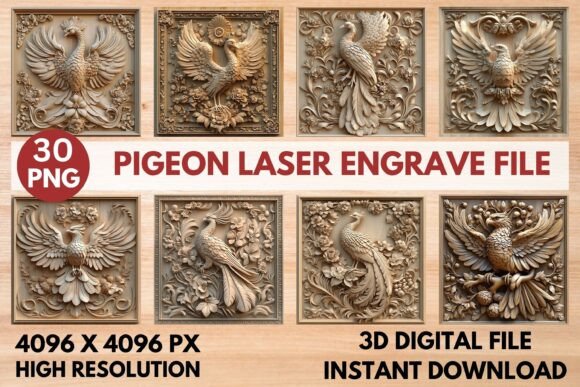
Discover the stunning detail and professional versatility of this high-resolution Pigeon Laser Engrave File, a premium PNG set designed to bring your creative laser projects to life with exceptional clarity and depth.
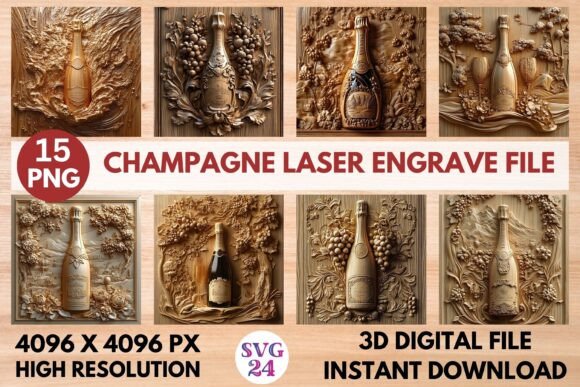
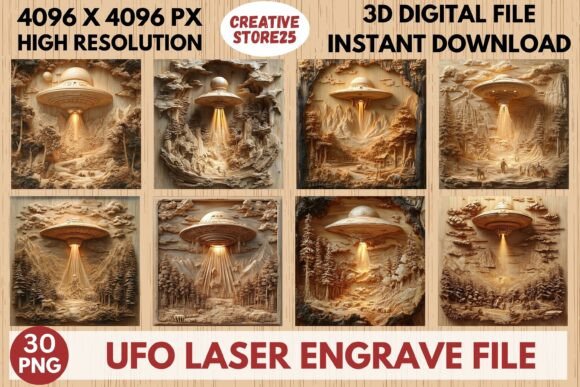
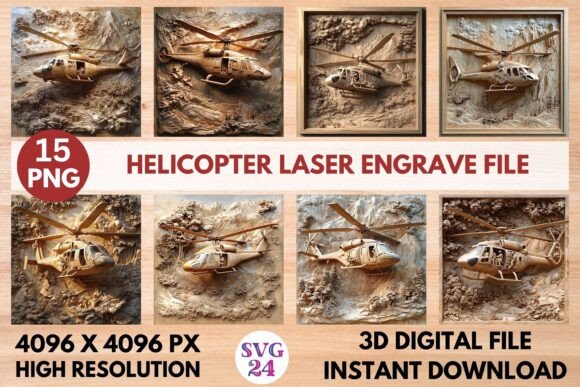
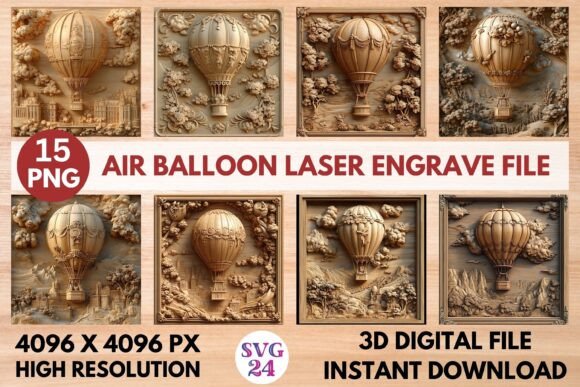
This expertly crafted artwork is more than just an image; it's a comprehensive design asset tailored for the modern maker. The package includes 30 total files—15 coloring PNGs and 15 grayscale PNGs—all at a substantial 4096 x 4096 pixel resolution. The transparent background makes it incredibly easy to integrate the pigeon design into any project without time-consuming editing. Whether you're personalizing home décor, creating custom stationery, or designing unique textiles and tableware, this file provides the sharp, detailed foundation needed for a flawless engrave.
Designed for Precision and Professional Results
Compatibility and performance are key. This pigeon laser engrave file is optimized for a range of popular laser systems, including LightBurn, xTool, Glowforge, Sculpfun, and CO2 laser engraving machines. The grayscale PNGs are particularly effective, delivering nuanced shading and beautiful tonal variations that mimic a hand-drawn or photographic quality. For LightBurn users, applying the Jarvis dithering filter to the grayscale file is recommended to achieve the optimal burn quality on wood or other materials.
The creative applications are vast. Use this design to craft:
- Eye-catching Home Décor: Engrave onto wooden signs, plaques, coasters, or wall art for a touch of natural elegance.
- Custom Fashion & Textiles: Create unique prints on leather goods, tote bags, or apparel.
- Elegant Paper Crafts & Packaging: Add a sophisticated, tactile element to invitations, gift boxes, or branded packaging.
- Personalized Tableware & Stationery: Design custom-engraved cutting boards, journals, or pens.
Tips for Choosing and Using Your Engrave File
When selecting any design asset, including a laser engrave file, consider the end use. The mood of the pigeon motif—elegant, rustic, or modern—should align with your project's aesthetic. Always test engrave on a scrap piece of your chosen material first. This allows you to fine-tune your machine's speed and power settings for the best outcome. The provided Glowforge recommended settings (Speed: 1000, Power: 90, LPI: 270) offer an excellent starting point for light wood.
Remember, this is a high-resolution PNG set prepared specifically for engraving, not a layered SVG cut file. The digital download format means you have instant access to start creating. By choosing a well-crafted file like this, you ensure visual consistency and a level of detail that elevates your work from homemade to professionally crafted, strengthening your brand identity and impressing your audience.
Explore the potential of this versatile pigeon design to add a unique, artistic signature to your next laser-engraved creation.